You have the option of exporting Scenes and Shoot Days PDFs.
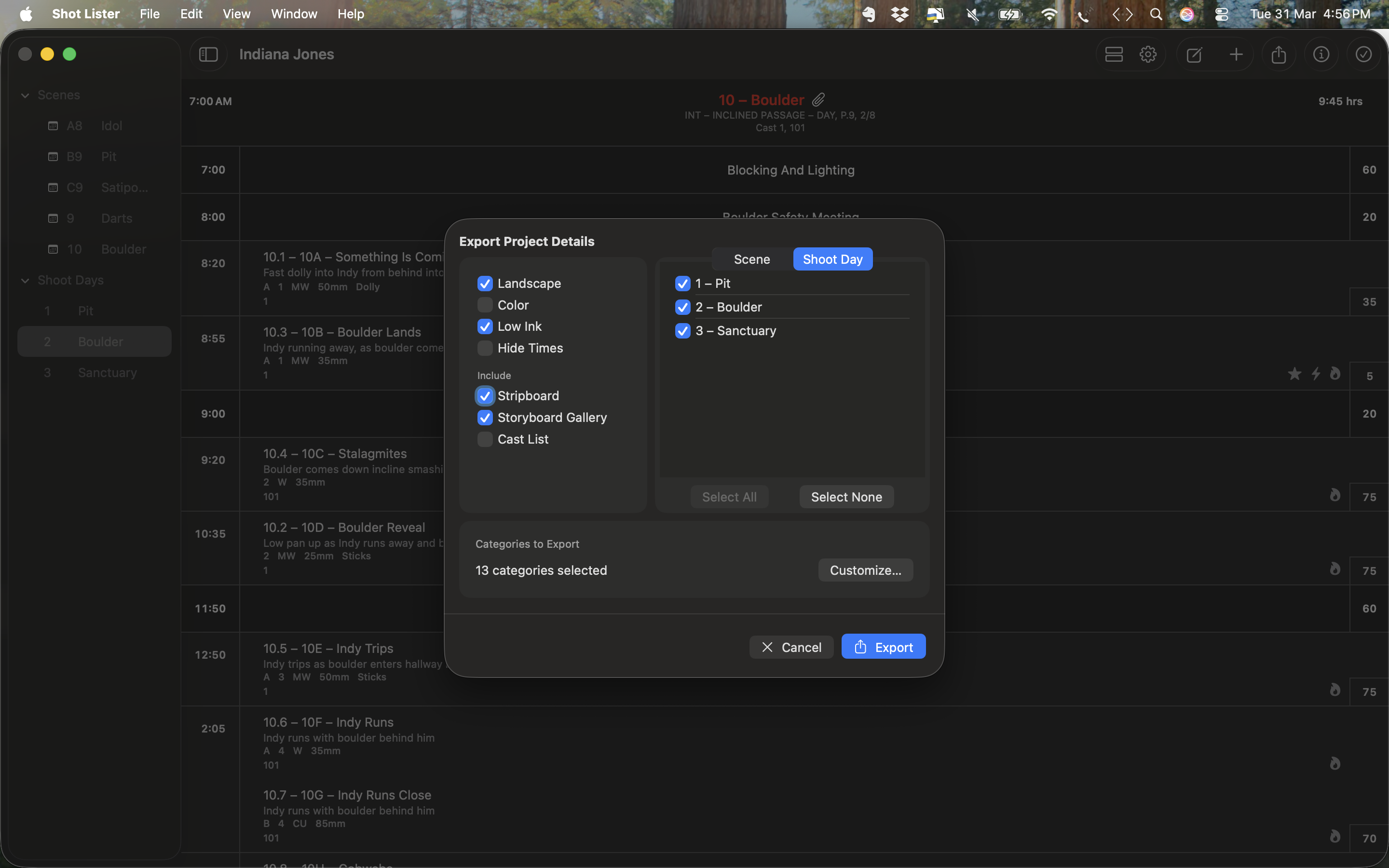
In Scene or Shoot Day mode, click the Export icon on the top right. A popup window will give you the option of exporting a PDF.
Select PDF, then select the Scenes or Shoot Days you want to export and print.. Finally select from the options on the left such as Landscape, colour, Low Ink mode, Hide Times etc. Once you have made your selection, click Export and choose where you want to save your export to, eg Desktop. Once exported, just print as you would any other document from your desktop.
The Low Ink mode means the Headers are white instead of black.
Was this article helpful?
That’s Great!
Thank you for your feedback
Sorry! We couldn't be helpful
Thank you for your feedback
Feedback sent
We appreciate your effort and will try to fix the article