If you accidentally mark a shot as Complete it's a simple step to uncheck it.
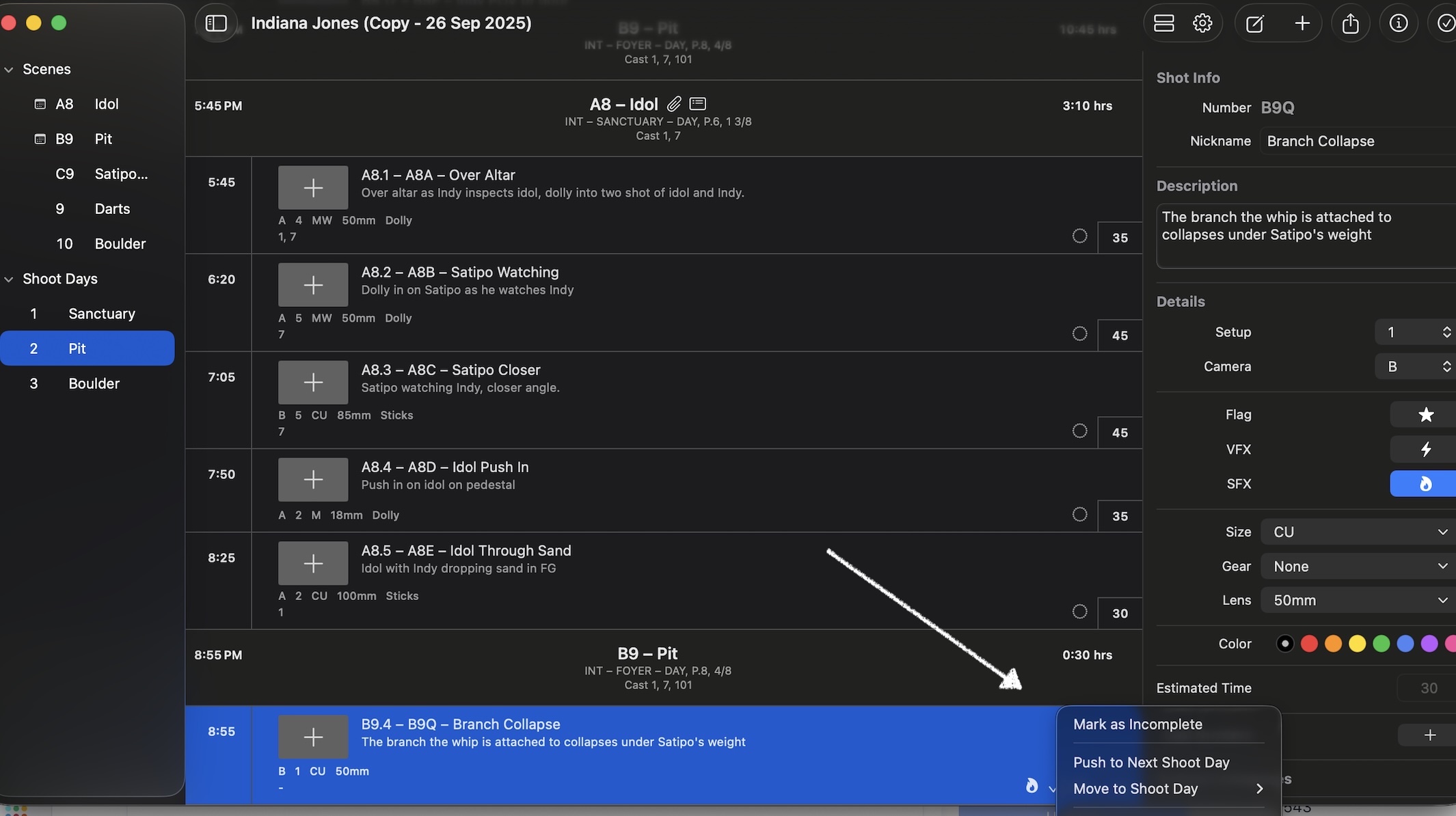
Just select the shot and then right click on the check mark (two finger click on the trackpad for Mac). This opens the options to:
- Mark as Incomplete
- Push to Next Shoot Day
- Move to Shoot Day
Was this article helpful?
That’s Great!
Thank you for your feedback
Sorry! We couldn't be helpful
Thank you for your feedback
Feedback sent
We appreciate your effort and will try to fix the article